 PackAI: AI-assisted
About
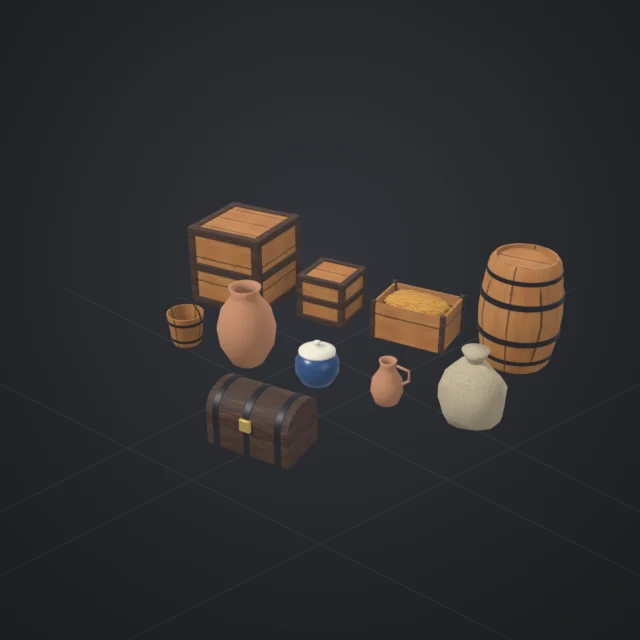
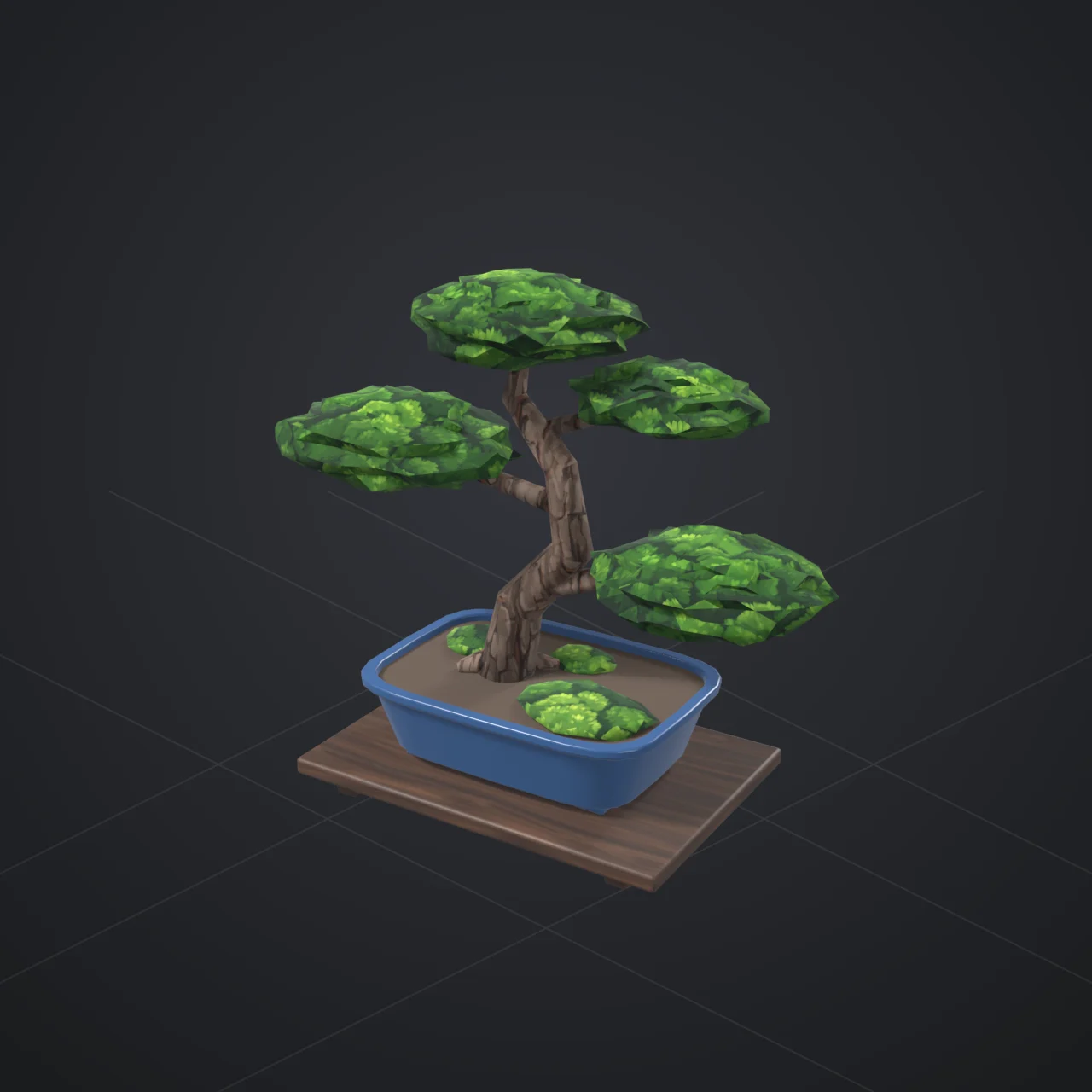
A Blender add-on that renders the scene, or just the selection, on a dark studio backdrop and saves the picture as WebP in three widths (1280, 640 and 256 px): the preview images an asset library such as this one asks for. It adds a Preview tab to the 3D Viewport's sidebar with one button, Render Previews, and these settings: the folder and file name, Selection Only, Studio Lights (three suns added just for the render; off uses the scene's own lights), how much of the picture the model fills, the backdrop's two colours and its floor lines, and the WebP quality. The defaults match this library's own thumbnails. It frames the model by itself in a three-quarter view from the front right and renders with the scene's own render engine. The camera and lights it adds are removed afterwards, and the scene's camera, render settings and visibility are put back as they were. For Blender 4.2 or newer, as an extension: Edit > Preferences > Get Extensions > Install from Disk, and pick the zip. Pure Python, no network access; it writes only the pictures. Tested by running its operator in Blender 5.2: two renders (whole scene, and selection only without studio lights), the scene left exactly as it was found, and an empty folder refused. Installing the zip through Blender's preferences and older Blender versions were not tried. The two pictures on this page are its unedited output for the Pine Bonsai. The code is GPL-3.0-or-later, as Blender add-ons are; this library lists it under GPL 3.0, its closest entry. Files - studio-preview-blender.zip: the extension (blender_manifest.toml, __init__.py and a README). It contains Python. A tool has no model of its own, so this page has no 3D view.